 |
Sakurasou Font
Sakurasou Font is a unique and twisted handwritten font with a bold swashes. It will turn any design project into a stand out!
| |
Sakurasou Font
Sakurasou Font is a unique and twisted handwritten font with a bold swashes. It will turn any design project into a stand out!
 |
Sakura Font Font
Sakura Font is a unique and twisted handwritten font with a bold swashes. It will turn any design project into a stand out!
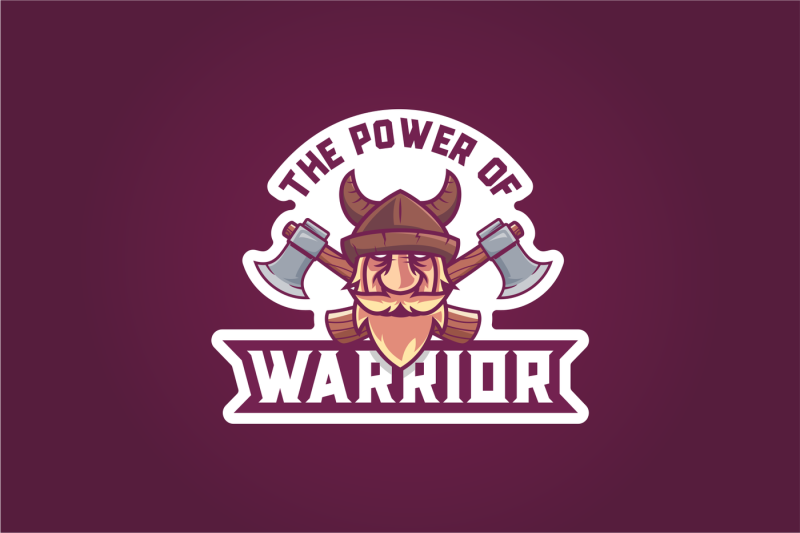 |
This masculine style font is designed with uppercase characters. This font is perfect for logo, poster, label product, or whatever. This logo is available in OTF and TTF formats ...
Features:
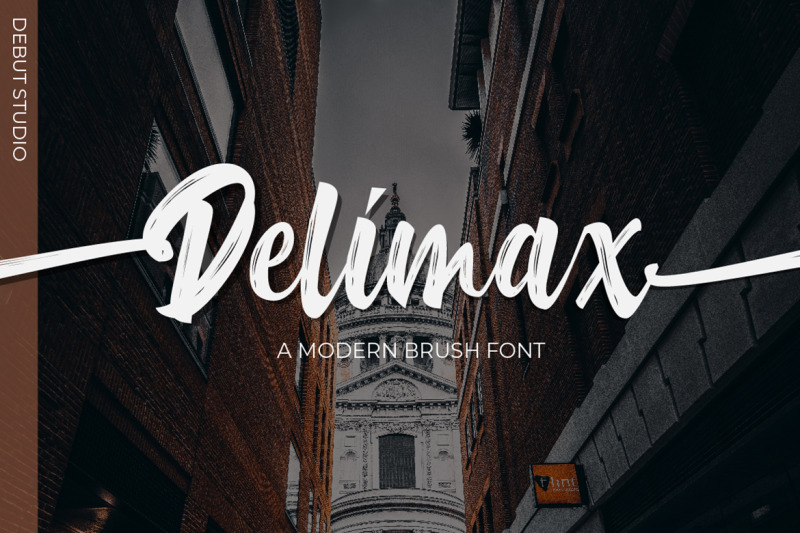 |
Introducing, our latest stuff, the **Delimax Brush Font**.
This font is suitable for young, passionate design, such as logo design, t-shirts, branding, and various other design purposes.
---
Files included:
- .OTF and .TTF Format
- Alternate Stylistic Character
- Multilanguage Support
- PUA Encoded
---
To enable the OpenType Stylistic alternates, you need a program that supports OpenType features such as Adobe Illustrator CS, Adobe Indesign & CorelDraw X6-X7, Microsoft Word 2010 or later versions. There are additional ways to access alternates/swashes, using Character Map (Windows), Nexus Font (Windows), Font Book (Mac) or a software program such as PopChar (for Windows and Mac).
---
How to Access Alternate Characters in Photoshop CC.: https://www.youtube.com/watch?v=xFlMwARHusY
---
How to access all alternative characters using Adobe Illustrator: https://www.youtube.com/watch?v=XzwjMkbB-wQ
---
How to use stylistic sets font in Microsoft Word 2010 or later versions: https://youtu.be/x1A_ilsBsGs
---
How to access all alternative characters, using Windows Character Map with Photoshop: https://www.youtube.com/watch?v=Go9vacoYmBw
---
How to Use OpenType Fonts in Silhouette Studio or Cricut Design Space: http://cuttingforbusiness.com/2016/01/28/how-to-use-opentype-fonts-in-silhouette-studio-or-cricut-de....
---
if you have question, just leave message on PM, Comment, or Email
debutstudio21@gmail.com
 |
Hello guys,
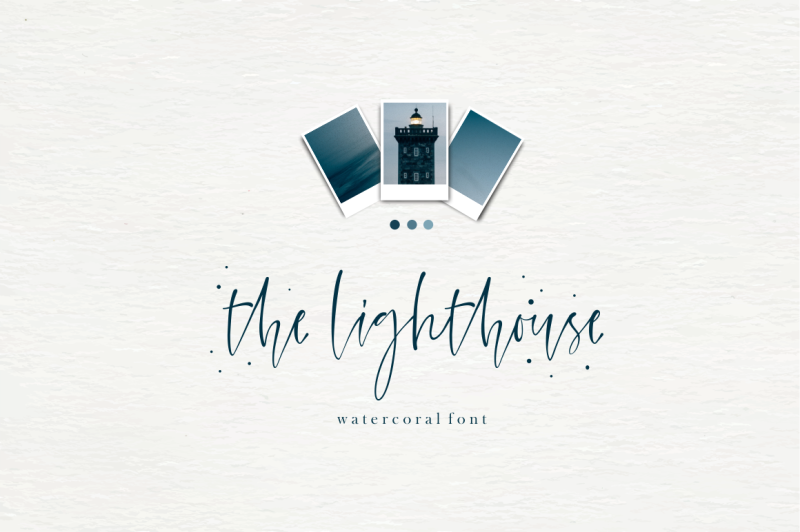
Let me introduce my new font, Watercoral !!
I see so many people who like watercolor design, so I decided to make a font that's very suitable for your watercolor design, but that doesn't mean this font is only suitable for watercolor designs ! NO !! This font is also suitable for a project that requires fonts with natural and handlettered effects.
This font does'nt contain too many alternative letters, so it is easy to use for people who are not skilled enough in design software, and of course this font is also very simple to use for you guys designers :)
What's Included :
How to access alternate glyphs? you can see it on this link (
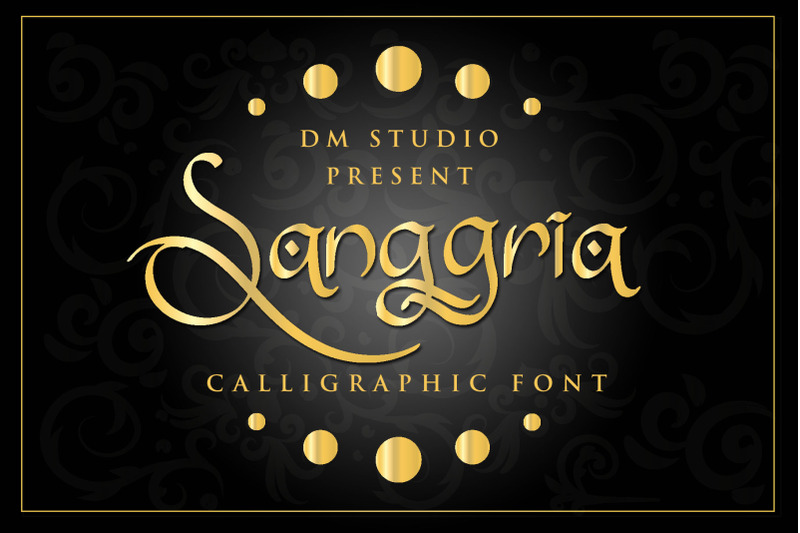 |
Introducing, Sanggria Font. This is the Classy handwritten with ancient Calligraphic font style, inspired by classical culture. Comes with some opentype features to make this font more exclusive. Great choice for logo, branding, letter sign, stamp, business card, advertisement, flyer, poster and more! We keep this font is easy to use and great to pair each others. We also have added extra Bonus Ornaments and Frame for FREE, to make your designs more classy and catchy! Just mix and match this font collection and bring your designs to the greatest level.
Sanggria Features :
What's Included :
 |
Buttering Script is elegant calligraphy font, including Regular. This font is casual and pretty with swashes. Can used for various purposes. such as logo, product packaging, wedding invitations, branding, headlines, signage, labels, signature, book covers, posters, quotes and more.
Buttering Script features OpenType stylistic alternates, ligatures and International support for most Western Languages is included. To enable the OpenType Stylistic alternates, you need a program that supports OpenType features such as Adobe Illustrator CS, Adobe Indesign & CorelDraw X6-X7, Microsoft Word 2010 or later versions.How to access all alternative characters using Adobe Illustrator:
https://www.youtube.com/watch?v=XzwjMkbB-wQ
Buttering Script is coded with PUA Unicode, which allows full access to all the extra characters without having special designing software. Mac users can use Font Book , and Windows users can use Character Map to view and copy any of the extra characters to paste into your favourite text editor/app.How to access all alternative characters, using Windows Character Map with Photoshop:
https://www.youtube.com/watch?v=Go9vacoYmBw
If you need help or have any questions, please let me know. I'm happy to help :) Thanks & Happy Designing!